Design and review
Build the HTML/CSS layout, try representative JSON data and inspect the paginated preview before publishing.
Editor · Parameters · PDF previewDesign HTML/CSS templates. Generate PDFs from JSON.
Start creating your first templateBuild the HTML/CSS layout, try representative JSON data and inspect the paginated preview before publishing.
Editor · Parameters · PDF previewCall the Render API from your application, track each job and receive completion events through webhooks.
Published versions · API · Render historyOrganize documents into pages and sections. Edit HTML/CSS, Props and Config alongside the live layout.
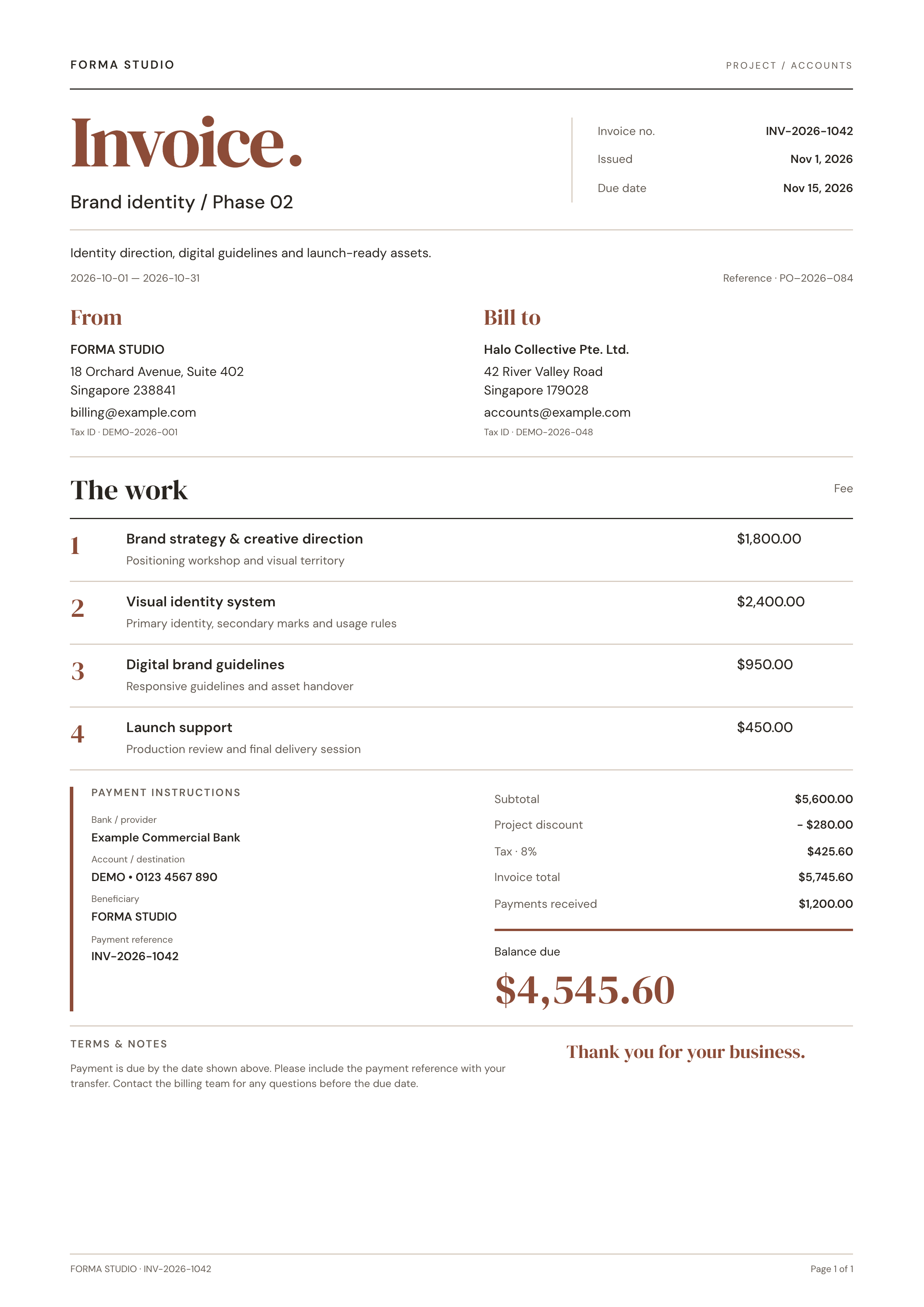
<section class="invoice"> <header>tembuilder</header> <h1>Invoice</h1> <p>{{ params.customer.name }}</p> <table> {{#each params.items}} <tr> <td>{{ this.description }}</td> <td>{{ this.amount }}</td> </tr> {{/each}} </table></section>.invoice { color: #262626; font-family: serif; padding: 32px;} h1 { font-family: serif; font-size: 32px; font-weight: 400;} table { width: 100%; border-collapse: collapse;}{
"customer": {
"name": "User"
},
"items": [
{
"description": "Design",
"amount": "$240.00"
},
{
"description": "Development",
"amount": "$360.00"
}
]
}Send the recipient, course and completion date as JSON. Each PDF keeps your design while the details change.
{
  "recipient": "Alex Morgan",
  "course": "Document Design Fundamentals",
  "completed_on": "2026-11-14"
}Presented to
Alex Morgan
for completing
Document Design Fundamentals
Set margins, headers, footers and section break rules. Preview the PDF to see how longer content flows across pages.
See how pagination works ↗Keep the summary together on the next page.
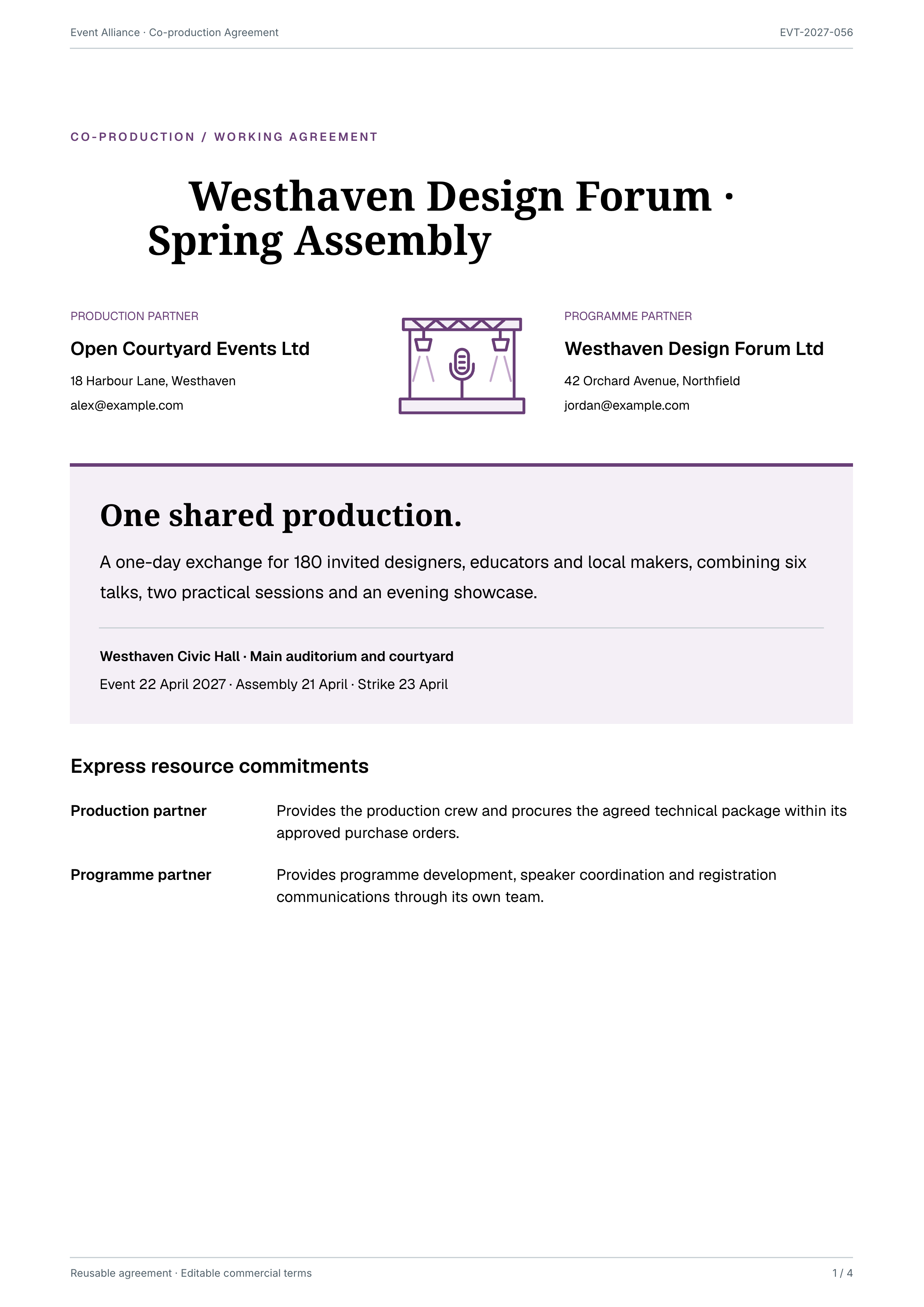
Reuse the structure and change selected labels, colors or content. Everything else continues to follow Base.
Prepare the next template version and select a version when rendering. Revisions record the saves within each version.
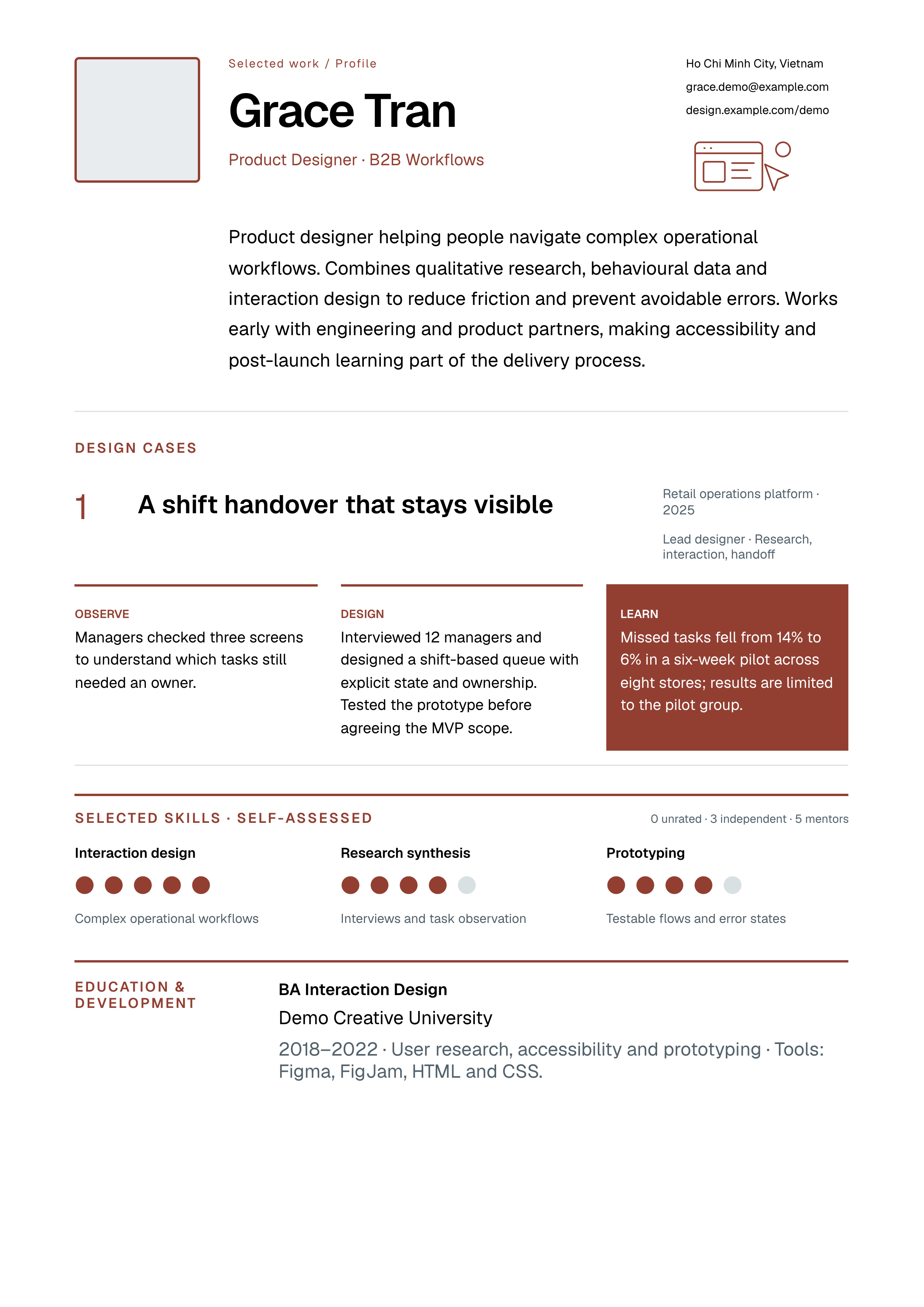
A report layout you can adapt to your own content.
Explore templates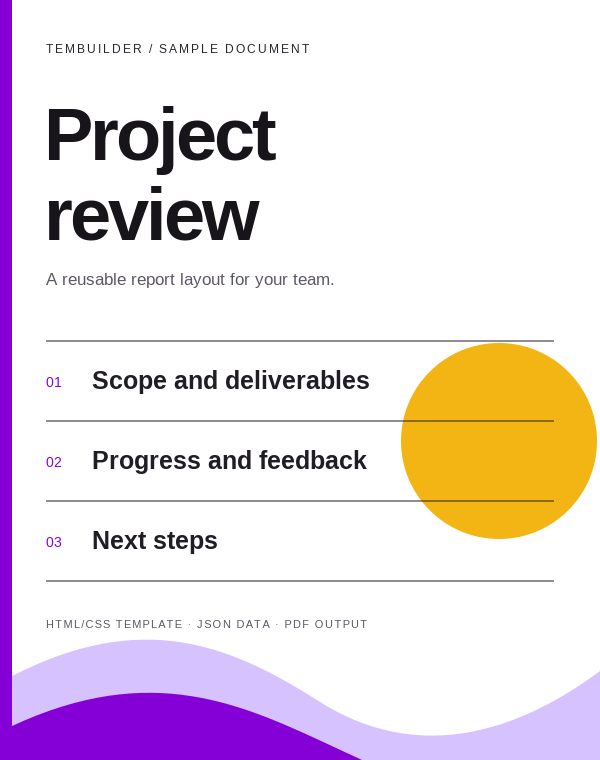
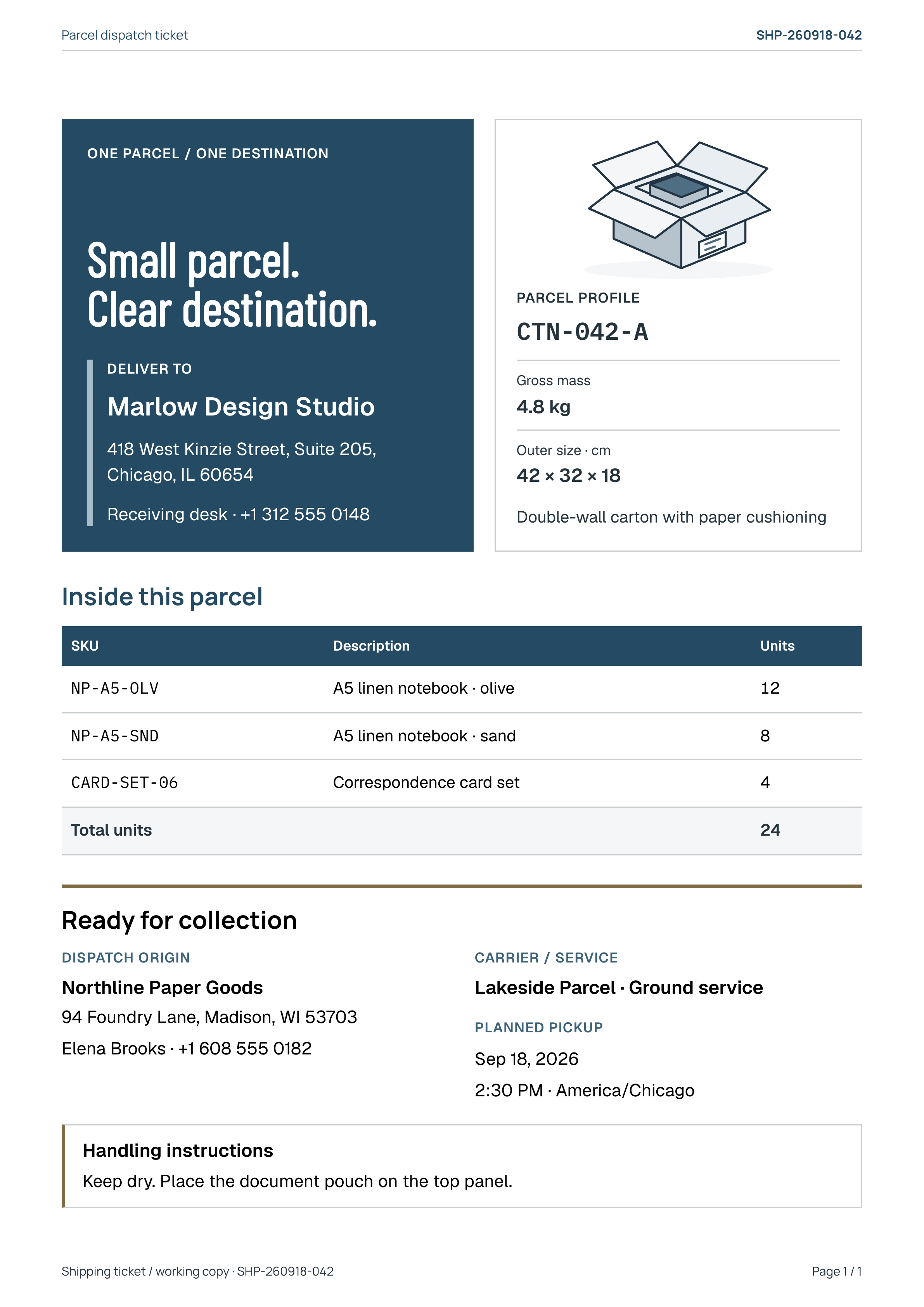
Publish a template, send JSON and track the result through the API or webhooks.
/v1/pdf/render{
"template_id": "<template-uuid>",
"version": 1,
"variant": "Standard",
"parameters": {
"customer": "Acme Studio"
}
}render_id → status → PDFChoose a published version.
Send the template and parameters.
Retrieve the completed PDF.
Rendering runs as a job. Poll its status or receive a webhook, then download the PDF after the job succeeds.
Read the documentation ↗The render history records the input, status, result and errors for each PDF job.
Connect your assistant through MCP to read template structure, edit HTML/CSS and inspect a preview.
Connect through MCP ↗EXAMPLE REQUEST“Add page numbers to the footer. Keep the document content as it is.”
Understand its structure and current revision.
Update source, validate and inspect the preview.
Review the changes and publish when ready.
Grant read/write access per project. You review and publish in the app after the assistant makes changes.
Design 16:9 or 4:3 slides and present them in the browser, even while your template is still a draft.
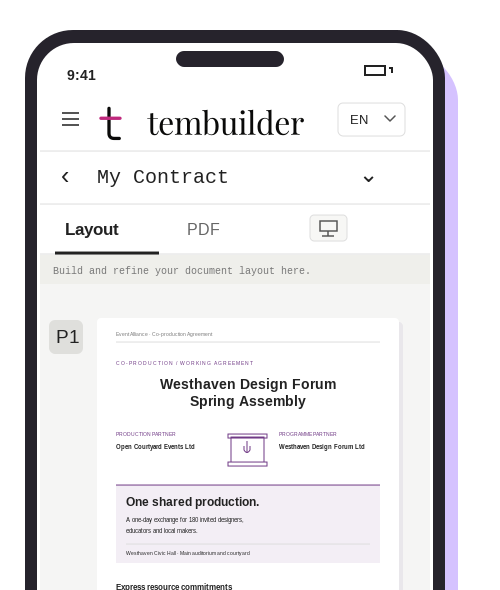
Tembuilder adapts to smaller screens, so you can review a document and present it without switching devices.
Use HTML/CSS in the editor, import a template, or choose one from the Gallery. The quickstart includes an invoice template and sample JSON you can try in your own project.
A render request references a published template version and supplies JSON Parameters. Tembuilder accepts a job; follow its status or webhook, then download the completed PDF.
Yes. The Free plan includes 30 successful PDF renders per month, unmetered previews, and Google Fonts. See the plan limits for asset storage, images, and render timeouts.
Start from a sample or your own template. Try your data, check the PDF and publish when ready.