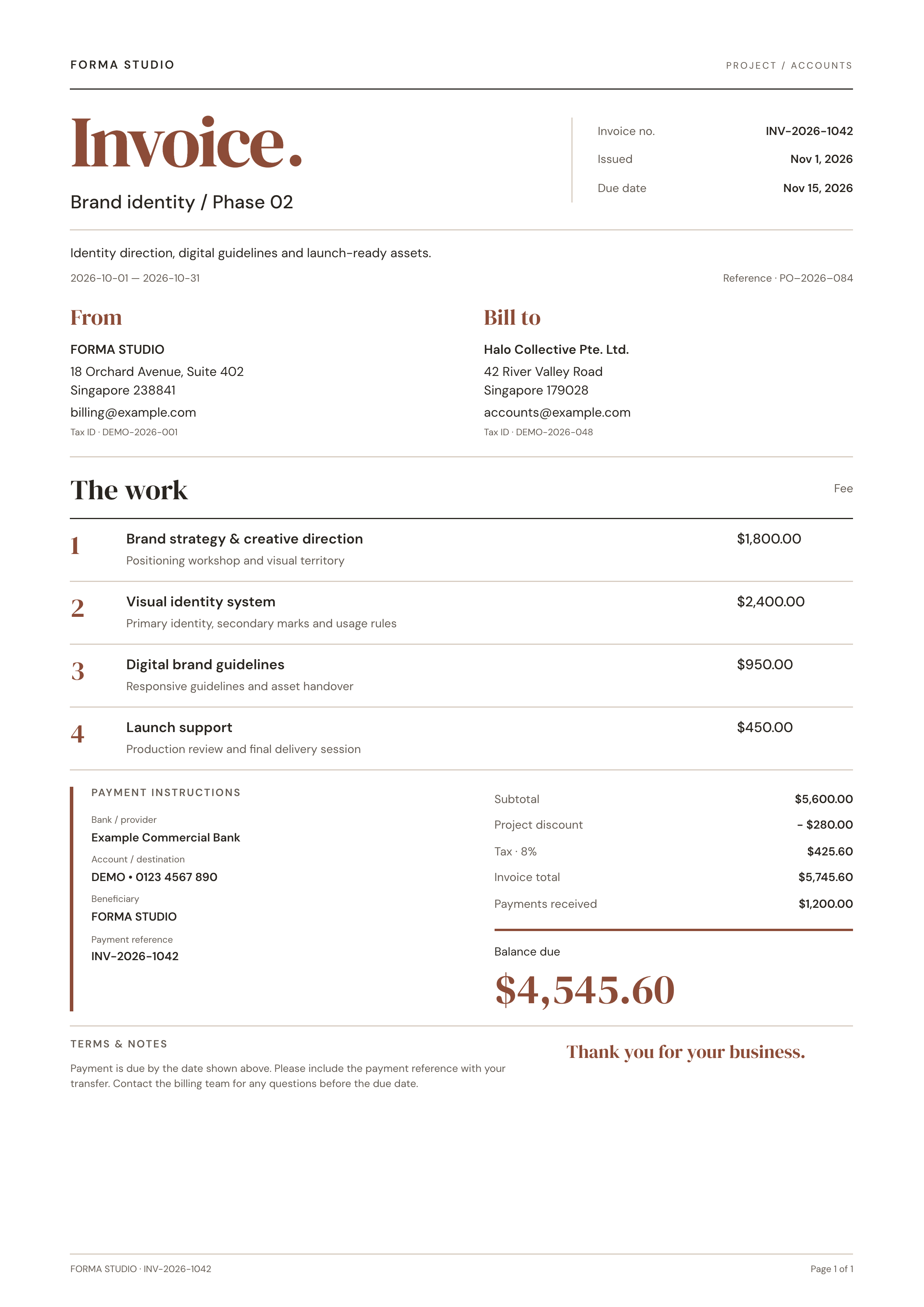
Change layouts with version control
Prepare a new template version while your application keeps using its selected version. If the Parameters change, update the integration accordingly.
Read the guide ↗Keep your document design in a reusable template. Your application chooses a published version and supplies JSON Parameters; Tembuilder processes the render job and makes the completed PDF available to download.
{ "template_id": "<template-uuid>", "version": 1, "variant": "Standard", "parameters": { "customer": "Acme Studio" }}render_id → status → PDFDesign your template and define the JSON Parameters your application will supply.
Preview with representative data, save and publish a version before rendering.
Submit a render request with the selected version and Parameters using a project API key.
Follow job status or a completion webhook, then retrieve the PDF after success.
Rendering runs as a job. Poll its status or receive a webhook, then download the PDF after the job succeeds.
Prepare a new template version while your application keeps using its selected version. If the Parameters change, update the integration accordingly.
Read the guide ↗Inspect job status and history. Use webhooks for completion events, verify signatures and handle failed jobs before retrying.
Read the guide ↗Use the editor to check page margins, headers and long tables with short and long JSON inputs before publishing.
Read the guide ↗Import the quickstart template and sample JSON. Preview, publish and render a PDF in your project before connecting your application.
Start with an invoice, then learn how changing data affects tables, page breaks and page layouts.
Create a presentation from JSON with Tembuilder Product Story. Add the template, connect slide content to parameters, preview, publish and download your PDF.
Control PDF page breaks, repeat table headers and keep signatures or totals together when HTML/CSS templates render across multiple sheets.
Configure portrait/landscape, Arabic RTL and mixed text, fonts, margins, backgrounds and watermarks in PDF templates.
Render requests reference a published template version and supply Parameters. Create or import the HTML/CSS template in the workspace first; this is not an arbitrary HTML or URL conversion endpoint.
No. Rendering is asynchronous. An accepted request is not a finished PDF: follow the job until it succeeds and then retrieve the output.
Only successful PDF renders count toward your plan’s monthly quota. Previews are unmetered; storage, image access and render timeouts depend on the plan.
Start from a sample or your own template. Try your data, check the PDF and publish when ready.